Run This Appliance
Will My Internet Work During a Power Outage?
Powering your router is the easy half. Whether your ISP's equipment is still alive is the half nobody mentions.
We earn a commission on purchases made through links on this page, at no extra cost to you. How this works.
What's in this article
The chain nobody explains
Between your laptop and the internet there are several links, and every one needs electricity:
| Link | Who powers it | Backup? |
|---|---|---|
| Your router | You | Whatever you provide |
| Your modem / ONT | You | Whatever you provide |
| Neighbourhood node | Your ISP | Usually a few hours of battery |
| ISP facility | Your ISP | Generators, and they rarely fail |
You control the top two. The third is the one that decides your outcome, and you'll never know its state until it fails.
Your half is trivially cheap
A router and modem together draw around 20 watts. verify
| Appliance | Anker SOLIX C300288 Wh | EcoFlow DELTA 21,024 Wh |
|---|---|---|
| Wi-Fi router + modem~20W running | 12 hr | 44 hr |
| Phones and a laptop~65W running, cycles ~50% of the time | 7.5 hr | 27 hr |
| LED lights (whole room)~40W running | 6.1 hr | 22 hr |
Even the smallest unit here runs your internet for most of a day. There is no cheaper win anywhere in backup power.
The test that tells you whether any of this matters
Next time the power goes out, run the router off a battery and note how long the connection actually survives.
That number tells you more about your specific ISP than any article can.
Dies in two hours? Your neighbourhood node has a small battery. Powering your router is nearly pointless — buy a phone power bank instead.
Still up after eight hours? Your ISP has solid backup. Powering your router is genuinely worth it.
The alternative most people should try first
A phone hotspot.
Cell towers generally have their own backup power and often stay up longer than home internet infrastructure. A phone plus a decent power bank costs a fraction of anything else and works when your home connection doesn't.
For checking on family and looking at the outage map — which is what most people actually need — that's the better answer.
Keep the home-router plan for things that need a real connection: remote work, security cameras, a medical device that phones home.
Two things worth knowing
Fibre is not automatically immune. The glass carries light and needs no power, but the ONT box in your house does, and so does the equipment at the other end.
An old copper landline usually survives, because it's powered from the telephone exchange rather than your house. A modern VoIP phone running through your router does not — it dies exactly when your internet does.
If someone in your home is medically vulnerable, that distinction is worth checking before you need it.
By connection type
Which link in the chain fails first depends entirely on what you have.
| Connection | Weak point | Typically lasts |
|---|---|---|
| Cable | Neighbourhood node and street amplifiers | 2–8 hours verify |
| Fiber (FTTH) | Your ONT, then the ISP cabinet | Often the longest wired option verify |
| DSL | Street cabinet | Varies widely by area and age |
| 5G home internet | The cell tower | Usually strong — towers commonly have generators verify |
| Starlink | Only your own dish | Independent of the local grid entirely |
| Phone hotspot | The cell tower | Usually outlasts home internet |
Two rows change people's plans.
Starlink does not care whether your street has power. Its weakness is appetite — the dish draws roughly 50–75W, several times a normal router, so the same battery lasts about a third as long.
5G home internet and phone hotspots share the cell network, and cell towers are generally the best-backed-up infrastructure in this list. If your home connection dies in two hours every time, the answer is not a bigger battery.
What to do during a long outage
Assume the connection will go and plan around the phone.
Download before it drops. Offline maps for your area, any documents you need, and enough entertainment for the kids. Do this when the lights go out, not when the connection does.
Switch the phone to low data mode and stop background app refresh. You are rationing both battery and data.
Text rather than call. Texts queue and retry on a congested network where calls simply fail — and in a regional outage the network is congested.
Know your hotspot password before you need it. This sounds trivial and it is the thing people cannot find in the dark.
Check whether your carrier has a backup plan. Some offer free data during declared emergencies.
Should you buy anything at all?
For a lot of households, honestly, no.
If your connection dies within an hour or two of the grid regardless of what you do, a battery for the router solves nothing. A phone hotspot and a power bank is the whole answer, and it costs very little.
Buy a battery for your internet if: your ISP demonstrably stays up for hours, you work from home, or something in the house genuinely needs a connection — cameras, a medical device that phones home, an alarm system.
Do not buy one if: you have not yet run the test above. It costs nothing and it settles the question.
If the test says yes, the sizing is straightforward — a router and modem draw about 20W, so even a small unit runs them for most of a day. And if you are looking at a purpose-built modem battery, compare it on watt-hours first; the dedicated boxes usually lose to a small power station.
The short version
Powering your router costs almost nothing and takes almost no battery. Do it.
Just don't assume it guarantees you're online — and test how long your ISP actually lasts before you build a plan around it.
The picks, in detail
Specs come from data/products.json, so they're the same everywhere on this site.
Anker
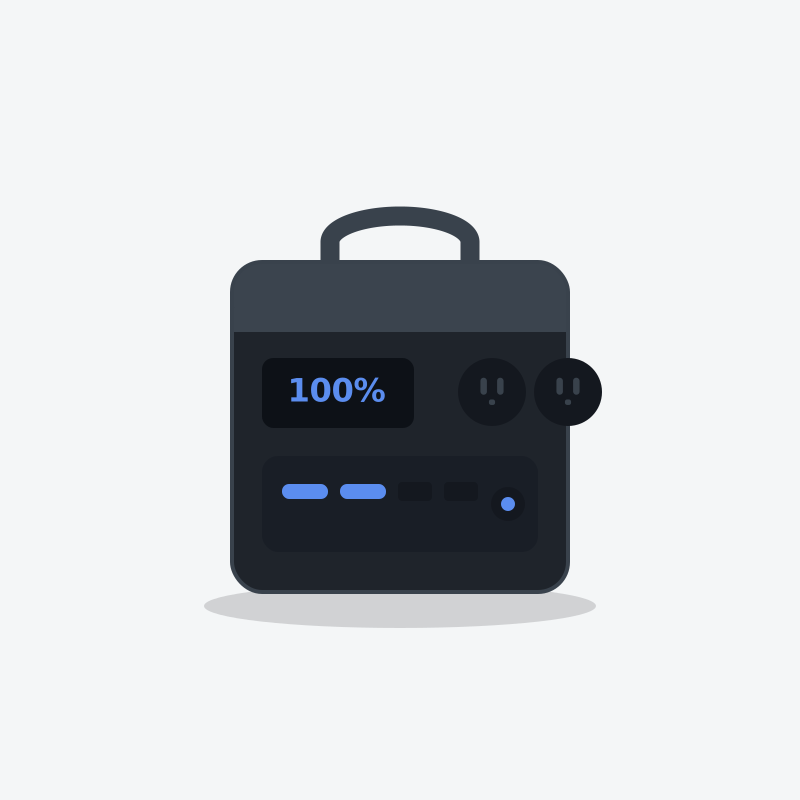
Anker SOLIX C300
The one you actually carry. Small, quiet, and built better than anything else this size.
- Capacity
- 288 Wh
- AC output
- 300W
- Weight
- 9.1 lb
What's good
- Built-in light that is actually useful, not a gimmick
- Three USB-C ports, one of them high wattage for laptops
- Charges from empty in about an hour
What's annoying
- 300W ceiling — this powers electronics, not appliances
- Small capacity disappears fast if you plug in anything with a motor
- Priced close to units with three times the capacity on sale
Who this is wrong for
Home backup. If your outage plan is a 288Wh box, you don't have an outage plan.
EcoFlow
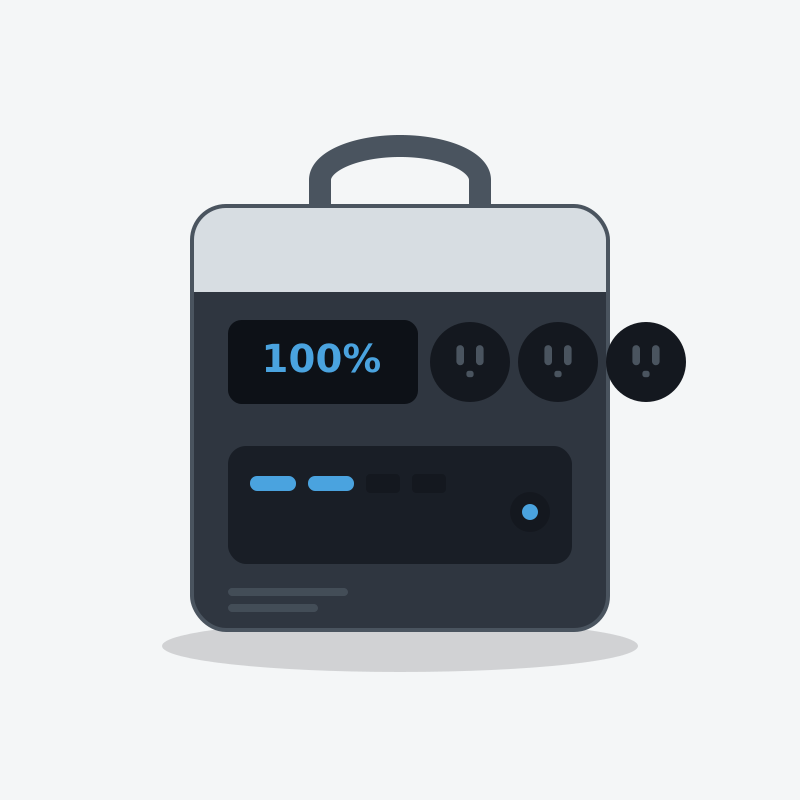
EcoFlow DELTA 2
The one most people should buy. It refills fast enough that a short sunny break between storm bands actually matters.
- Capacity
- 1,024 Wh
- AC output
- 1,800W
- Weight
- 27 lb
What's good
- Wall recharge is genuinely quick — useful when power flickers back for an hour
- LiFePO4 cells, so it tolerates being left plugged in for years
- Six AC outlets means no daisy-chained power strips on the kitchen counter
- Add an extra battery later instead of buying a whole second unit
What's annoying
- The fan is audible in a quiet bedroom at night
- 1800W ceiling rules out most space heaters and hair dryers
- Expansion batteries cost nearly as much as the unit itself
Who this is wrong for
Anyone who needs to power a well pump, an electric water heater or a central AC. It will not start them, and it is not a whole-home unit.
Questions people actually ask
Will my internet work during a power outage?
How long does ISP backup power last?
Does fibre internet work in a power cut?
Is a phone hotspot better than powering my router?
Will my landline work in an outage?
Who wrote this
Dhruvil Domadiya
Founder and editor, GreenCommuteGuide
I started GreenCommuteGuide because backup power is sold with numbers that sound impressive and mean very little — watt-hours on the box, surge ratings that turn out to be a boost mode, charge times quoted to 80% and printed as though they were full. I set the rules this site runs on: every spec is checked against the manufacturer's own documentation, anything we have not verified is marked as unverified on the page rather than quietly published, prices are never shown because they go stale, and every review names at least one product not to buy and who it is wrong for. Where I have not tested something myself, the page says so.
- · Sets and enforces the editorial standards on this site — unverified claims are flagged on the page, and the build fails if they are not
- · Specs are taken from manufacturers' own published documentation, never from retailer listings, and the source and date are recorded for each product
- · No payment is accepted for a rating, a ranking, or a positive verdict
Read this next
- Run This ApplianceBattery Backup for a WiFi Router and Modem: How Long Do You Stay Online?A router and modem draw about 20 watts, so even a small battery runs your wifi for a day or more. The catch is whether your ISP still has power at their end — and how to test that before you spend.
- Home Outage & BackupHow to Keep Food Cold During a Power OutageYour fridge holds cold for four hours. Your freezer holds it for two days. Here is how to stretch both, and exactly when to throw things out.
- Battery & Tech BasicsIs It Safe to Use a Power Station Indoors?Yes, and that is the entire reason they beat gas generators. Here are the four real risks, and the one that actually kills people.
- Run This ApplianceCan a Power Station Run Starlink? (And For How Long)Yes, easily — and unlike cable internet, Starlink keeps working when your whole town is dark. That is the part worth understanding.