Run This Appliance
Battery Backup for a WiFi Router and Modem: How Long Do You Stay Online?
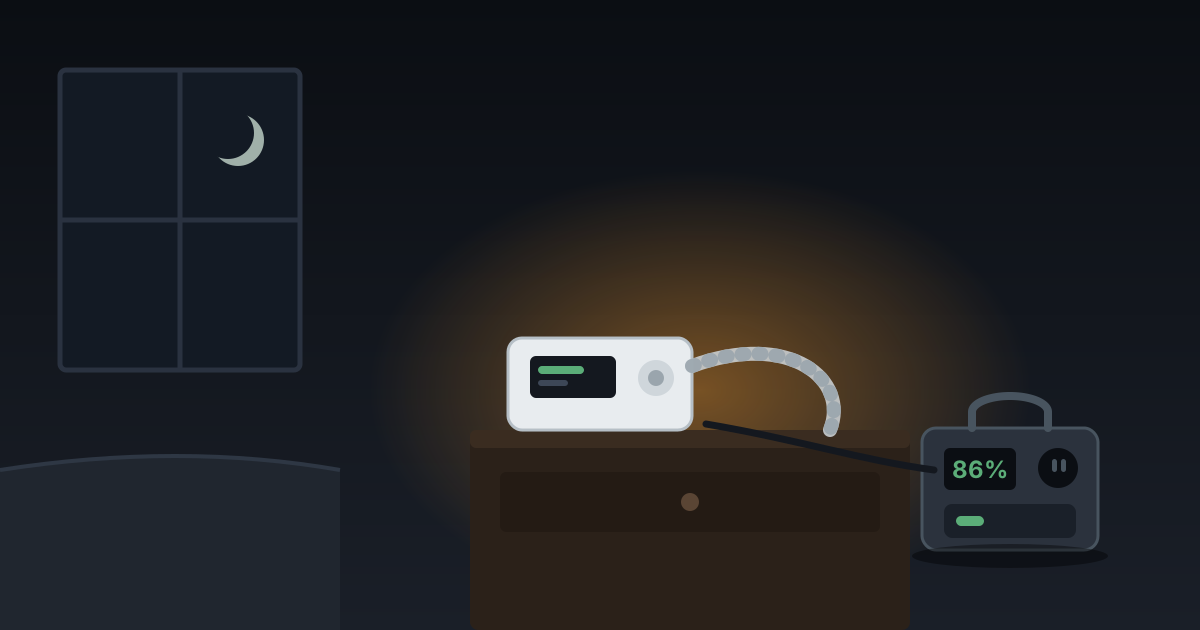
A router and modem draw about 20 watts, so even a small battery runs your wifi for a day or more. The catch is whether your ISP still has power at their end — and how to test that before you spend.
We earn a commission on purchases made through links on this page, at no extra cost to you. How this works.
What's in this article
The power goes out and within ten minutes somebody asks whether the wifi is still working.
It isn't, because the router is dead. And the phones are burning through data and battery while everyone refreshes the outage map.
Good news: this is the cheapest problem in backup power to solve. Bad news: solving it doesn't always work, and it's worth knowing why before you spend.
The numbers are absurdly friendly
A typical home router and cable modem together draw around 20 watts. verify
That's about a quarter of what one old-fashioned light bulb used.
| Appliance | Anker SOLIX C300288 Wh | EcoFlow DELTA 21,024 Wh |
|---|---|---|
| Wi-Fi router + modem~20W running | 12 hr | 44 hr |
| Phones and a laptop~65W running, cycles ~50% of the time | 7.5 hr | 27 hr |
| LED lights (whole room)~40W running | 6.1 hr | 22 hr |
Even the smallest unit here runs your internet for most of a day. A 1,000Wh station runs it for the better part of two days while doing plenty of other work at the same time.
There is genuinely no cheaper win in this whole category.
What your specific setup draws
"20 watts" is the common case. Yours may be higher, and it is worth knowing which.
| Equipment | Typical draw |
|---|---|
| Cable modem | 5–10W |
| Standalone wifi router | 6–12W |
| Combined modem/router (ISP gateway) | 10–20W |
| Fiber ONT | 5–10W |
| Mesh system, per node | 5–10W each |
| Wifi 6E / 7 high-end router | 15–30W |
| PoE switch with cameras | 30–80W+ |
verify on every figure — check the label on your own power brick, which gives volts and amps. Multiply them for watts.
Two things push people well above the 20W assumption. Mesh systems are the big one: three nodes at 8W each is 24W before the modem, and every node needs its own battery or its own outlet. PoE camera systems are in a different class entirely and belong in the fridge-sized part of your planning, not here.
How long you actually get
| Battery | At 20W (typical) | At 40W (mesh or high-end) |
|---|---|---|
| 250Wh | ~10 hours | ~5 hours |
| 500Wh | ~21 hours | ~10 hours |
| 1,000Wh | ~42 hours | ~21 hours |
| 2,000Wh | ~85 hours | ~42 hours |
These allow roughly 15% for inverter losses. Run the router from a 12V DC port instead of the AC outlet and you claw a good part of that back — see below.
Look at the 250Wh row. A unit that cannot start a fridge, that costs a fraction of what outage-prep articles push at you, runs your internet overnight and well into the next day. If wifi is genuinely your main worry, you are shopping in a much cheaper bracket than you think.
The catch nobody mentions
Your router being powered does not mean your internet works.
Between your house and the internet there's a chain of equipment: a node in your neighborhood, a cabinet down the street, equipment at the ISP's facility. All of it needs power.
Cable and fiber providers do run battery backup at those points. It's finite — commonly a few hours, not a few days. verify
So in a short outage, powering your router genuinely keeps you online. In a two-day regional event, your router hums along happily connected to nothing.
How long your ISP lasts depends on what kind of connection you have, and the differences are large:
| Connection | What has to stay powered | Realistic uptime |
|---|---|---|
| Cable | Neighbourhood node + amplifiers | Often 2–8 hours verify |
| Fiber (FTTH) | Your ONT + the ISP's cabinet | Frequently longest — cabinets are commonly better backed up verify |
| DSL | Street cabinet + exchange | Varies enormously by area |
| 5G home internet | The cell tower | Towers usually have generators — often the most resilient verify |
| Starlink | Only your dish, ~50–75W | Independent of local grid entirely, but a much heavier load |
The Starlink row is worth a moment. It is the one connection that does not care whether your neighbourhood has power — but at 50–75W it draws three times a normal router, so the runtime tables above roughly divide by three.
Fiber has a specific trap. Many ONTs ship with a small internal battery, or a slot for one, that is often dead or missing after a few years. If you have fiber, check that first — it may be the cheapest fix available to you.
The alternative most people should consider
A phone hotspot.
Cell towers generally have their own backup power and often stay up longer than home internet infrastructure does. A phone plus a decent power bank gets you online for a fraction of the cost and effort.
For a short outage, that's frequently the better answer — especially if all you need is to check on family and look at the outage map.
Keep the home router plan for longer events and for anything that genuinely needs a real connection: remote work, security cameras, a medical device that phones home.
The trick that stretches it further
Most routers and modems run on 12V DC. Your power station stores DC.
Plug into the AC outlet and the station converts DC to AC, then your router's brick converts it straight back to DC. You lose energy at both ends for nothing.
Use the station's 12V DC port instead, with the right barrel connector, and you'll get noticeably more hours out of the same battery. verify
There are two separate savings. You skip the inverter conversion loss, and you stop the inverter idling — an inverter running a 20W load still burns several watts just being switched on, which on a tiny load is a large share of your total draw.
Before you try it, check three things on the router's power brick:
- Voltage. The label states its output — commonly 12V, sometimes 9V or 5V. It must match the port you plug into. A 12V port into a 9V router is how you destroy a router.
- Polarity. The little diagram showing which is centre-positive. Most equipment is centre-positive; getting it backwards is usually fatal.
- Barrel size. Physical fit varies and a loose plug is worse than none.
UPS or power station?
Both work. They're for different problems.
A small UPS is cheaper, switches over in milliseconds so your connection never drops, and it's designed for exactly this. If the router is genuinely the only thing you care about, buy the UPS.
A power station holds far more energy, runs your fridge too, and goes camping. Its switchover is usually fast enough that a router doesn't notice, but check the spec if you care.
Most people should own the power station and use it for everything, rather than buying a device that does one job.
What we would not buy
A big power station just for the router. You'd be spending several hundred dollars on a 20-watt problem. Buy the small one, or the UPS.
A cheap unbranded UPS with a sealed lead-acid battery. They die quietly after two or three years and you find out during the outage. Check the battery is replaceable.
A "modem battery pack" sold as a dedicated product. These exist, they are usually small sealed lead-acid units in a plastic box, and they are frequently poor value against a small LiFePO4 power station that does the same job, lasts far longer, and is useful for other things. If you see one described as a modem or router battery backup, compare its watt-hours against a 250Wh power station before buying — the comparison is often unflattering.
If you work from home
This changes the sizing, because the router stops being the whole problem.
A realistic work-from-home load: router and modem (20W), a laptop charging (45–65W), and a monitor (20–30W). Call it 100W, which is five times the router alone.
| Battery | A full working day at ~100W |
|---|---|
| 250Wh | ~2 hours |
| 500Wh | ~4 hours |
| 1,000Wh | ~8.5 hours — a full day |
| 2,000Wh | Two days |
1,000Wh is the work-from-home number. It covers a full working day with the internet up, and it is the same size that covers a fridge overnight, which is why it is the size we point most people at anyway.
Two things worth doing in advance: run the laptop off its own battery and only charge it when it gets low, and know your phone hotspot password before you need it. A laptop already has hours of battery — the router does not, which is the entire reason this page exists.
If a desktop rather than a laptop is involved, switchover time starts to matter and the answer changes — we set that out here.
Straight answer
Whatever power station you already bought for the fridge will run your internet almost as an afterthought. Plug it in and forget it.
If you're buying specifically for this, the smallest LiFePO4 unit you can find covers it — and honestly, test how long your ISP stays up first. That number decides whether this is worth solving at all.
Three quick pointers depending on where you landed:
- Router only, short outages. A small UPS, or a 250Wh unit. Our under-$500 picks cover this bracket.
- Working from home. 1,000Wh. The outage guide covers that tier and names who each unit is wrong for.
- You are not sure your ISP even stays up. Do the test in the callout above before spending anything, and read will the internet work during a power outage — for a lot of households the honest answer is a phone hotspot and no purchase at all.
The picks, in detail
Specs come from data/products.json, so they're the same everywhere on this site.
Anker
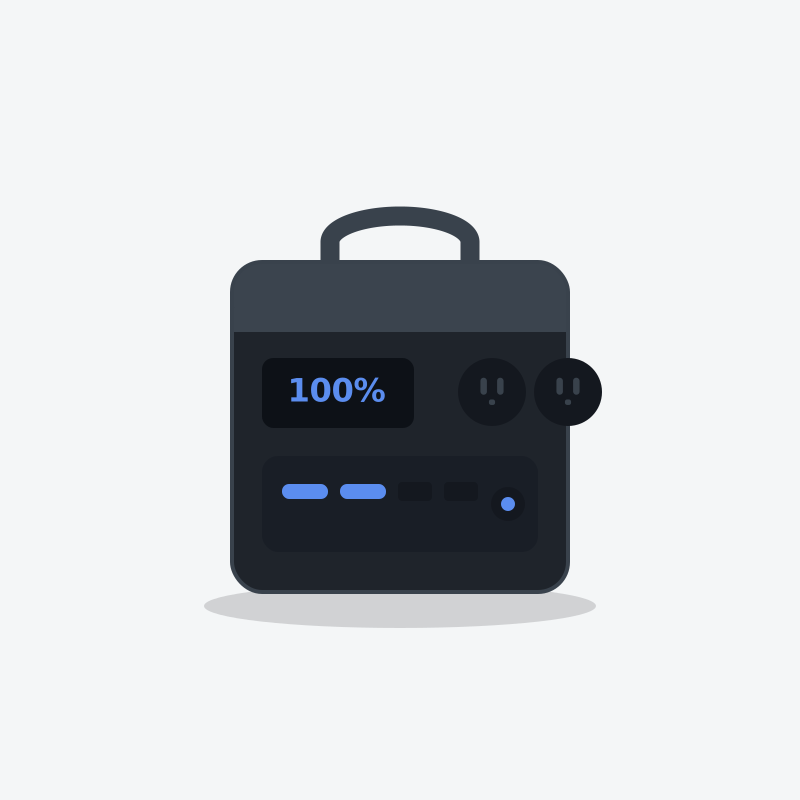
Anker SOLIX C300
The one you actually carry. Small, quiet, and built better than anything else this size.
- Capacity
- 288 Wh
- AC output
- 300W
- Weight
- 9.1 lb
What's good
- Built-in light that is actually useful, not a gimmick
- Three USB-C ports, one of them high wattage for laptops
- Charges from empty in about an hour
What's annoying
- 300W ceiling — this powers electronics, not appliances
- Small capacity disappears fast if you plug in anything with a motor
- Priced close to units with three times the capacity on sale
Who this is wrong for
Home backup. If your outage plan is a 288Wh box, you don't have an outage plan.
EcoFlow
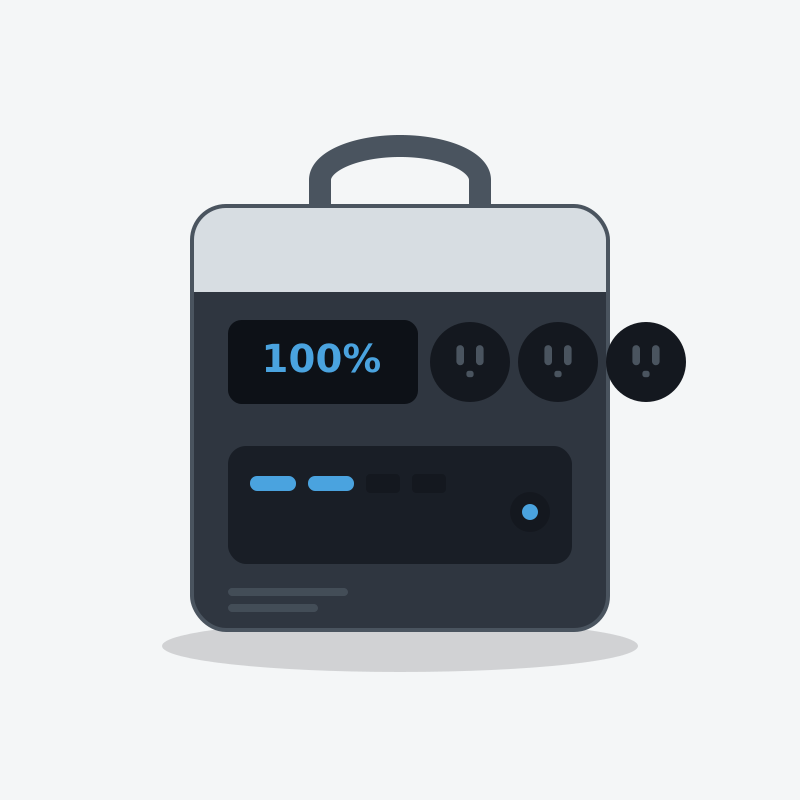
EcoFlow DELTA 2
The one most people should buy. It refills fast enough that a short sunny break between storm bands actually matters.
- Capacity
- 1,024 Wh
- AC output
- 1,800W
- Weight
- 27 lb
What's good
- Wall recharge is genuinely quick — useful when power flickers back for an hour
- LiFePO4 cells, so it tolerates being left plugged in for years
- Six AC outlets means no daisy-chained power strips on the kitchen counter
- Add an extra battery later instead of buying a whole second unit
What's annoying
- The fan is audible in a quiet bedroom at night
- 1800W ceiling rules out most space heaters and hair dryers
- Expansion batteries cost nearly as much as the unit itself
Who this is wrong for
Anyone who needs to power a well pump, an electric water heater or a central AC. It will not start them, and it is not a whole-home unit.
Questions people actually ask
How long will a power station run a router and modem?
Will my internet work if the power is out?
Is a UPS better than a power station for a router?
Should I use the DC output instead of the AC outlet?
What about my phone hotspot instead?
Who wrote this
Dhruvil Domadiya
Founder and editor, GreenCommuteGuide
I started GreenCommuteGuide because backup power is sold with numbers that sound impressive and mean very little — watt-hours on the box, surge ratings that turn out to be a boost mode, charge times quoted to 80% and printed as though they were full. I set the rules this site runs on: every spec is checked against the manufacturer's own documentation, anything we have not verified is marked as unverified on the page rather than quietly published, prices are never shown because they go stale, and every review names at least one product not to buy and who it is wrong for. Where I have not tested something myself, the page says so.
- · Sets and enforces the editorial standards on this site — unverified claims are flagged on the page, and the build fails if they are not
- · Specs are taken from manufacturers' own published documentation, never from retailer listings, and the source and date are recorded for each product
- · No payment is accepted for a rating, a ranking, or a positive verdict
Read this next
- Run This ApplianceWill My Internet Work During a Power Outage?Powering your router is the easy half. Whether your ISP's equipment is still alive is the half nobody mentions.
- Run This ApplianceModem Battery Packs: Are the Dedicated Ones Worth It?The purpose-built ones look like the obvious answer and usually aren't. What they hold, what a small power station holds for the same money, and when the dedicated box actually wins.
- Battery & Tech BasicsPower Station vs UPS: Which Do You Need for a Computer?A UPS keeps your PC alive for eight minutes. A power station keeps it alive for eight hours — but only some of them switch fast enough to matter. The spec that decides it.
- Run This ApplianceCan a Power Station Run Starlink? (And For How Long)Yes, easily — and unlike cable internet, Starlink keeps working when your whole town is dark. That is the part worth understanding.