Battery & Tech Basics
Power Station vs UPS: Which Do You Need for a Computer?
A UPS keeps your PC alive for eight minutes. A power station keeps it alive for eight hours — but only some of them switch fast enough to matter. The spec that decides it.
We earn a commission on purchases made through links on this page, at no extra cost to you. How this works.
What's in this article
They solve different halves of the problem
A UPS is built for one job: cover the gap between the grid failing and either the power returning or your machine shutting down safely. It does that job perfectly and then it is empty, usually in five to fifteen minutes.
A power station is built for runtime. Hours, not minutes, and it will run a lamp and charge phones at the same time. What it was not originally built for is switching over fast enough that a desktop never notices.
Those two things have converged — most mid-range power stations now advertise a UPS mode — but the convergence is incomplete, and the gap is where people get caught.
The spec that decides it
Switchover time, measured in milliseconds.
When the grid drops, there is a brief window before the battery takes over. A desktop power supply holds enough charge internally to ride out roughly 16–20 milliseconds. verify Longer than that and the machine resets — losing your work, and occasionally corrupting whatever was being written.
| Switchover | What it means for a desktop |
|---|---|
| 0ms (online/double-conversion UPS) | Never any gap. Overkill for home use. |
| Under 10ms | Invisible. Safe. |
| 10–20ms | Almost always fine. This is where most good power stations sit. |
| 20–30ms | Marginal. Some machines ride it, some reboot. |
| No pass-through at all | The machine reboots, every time. |
Which one, by what you actually own
A desktop, and that is the concern. Buy a UPS. A decent 600–900VA unit costs a fraction of a power station, sits under the desk, and includes the shutdown software. Runtime of ten minutes sounds short and is genuinely enough — it covers flickers and brownouts, which is most of what happens, and gives you time to save and shut down for the rest.
A desktop plus you want the lights and internet on too. Power station with UPS mode. This is where it wins clearly: one box covers the PC, the router, lamps and phone charging for hours rather than minutes.
A laptop. Neither, for the laptop. It has a battery. Spend the money on keeping the router and modem alive, because a working laptop with dead internet is not much use — and note that your internet may fail for reasons outside your home anyway.
A home office you work from. Both, honestly. A small UPS on the desktop for instant clean switchover, and a power station covering the router, a lamp and phone charging for the length of the outage. They stack well.
A gaming PC drawing 600W+. Check the power station's continuous output, not just its capacity. A 1,000Wh unit with an 1,800W inverter handles it; the runtime will be short because the machine is a heavy load.
What each one gives you that the other does not
Only a UPS has: automatic shutdown software over USB, so the machine saves and powers down safely if you are not there. Built-in surge and line protection. Automatic voltage regulation on better models, which smooths brownouts rather than switching to battery.
Only a power station has: hours of runtime. The ability to power anything else in the house. Portability. Solar and car charging. A battery you can still use in five years — cheap UPS units use small sealed lead-acid packs that typically need replacing every three to five years, verify and a lot of people discover theirs is dead at the worst moment.
That last point is worth weighing. A UPS is cheaper up front and has a consumable inside it. A LiFePO4 power station rated for thousands of cycles does not.
Running a UPS from a power station
People do this to get both, and it mostly works.
The UPS handles the instant switchover; the power station provides the hours. When the grid fails, the UPS covers the milliseconds while the power station comes up, then everything runs from the big battery.
The catch: some UPS units are fussy about waveform. A pure sine wave output is generally fine; a modified sine wave will make many UPS units reject the input and sit on their own battery, which defeats the whole arrangement. Most current power stations output pure sine — confirm yours does.
Test the combination on a quiet afternoon by pulling the plug, rather than finding out during an outage.
What to look for when buying
If you have decided on a power station for a computer, four specs in order:
- Switchover time stated in milliseconds. Under 20. If it is not published, assume there is none.
- Pure sine wave output. Non-negotiable for a computer.
- Continuous output above your machine's real draw, with headroom. A desktop plus a monitor is usually 200–400W; gaming rigs go far higher.
- Capacity last. It sets runtime, and runtime is the easy part.
Work out your total draw first — including the monitor, the router and anything else you want alive, because the computer is rarely the only thing that matters.
Swipe the table sideways to see every column.
| Price | |||||||
|---|---|---|---|---|---|---|---|
| AnkerAnker SOLIX C1000LiFePO4 · expandable | 1,056 Wh | 1,800W | 2,400W | 28.44 lb | 58 min | 5 yr | Check price for Anker SOLIX C1000 (opens in a new tab, affiliate link) |
| EcoFlowEcoFlow DELTA 2LiFePO4 · expandable | 1,024 Wh | 1,800W | 2,700W | 27 lb | 1h 20m | 5 yr | Check price for EcoFlow DELTA 2 (opens in a new tab, affiliate link) |
| AnkerAnker SOLIX C300LiFePO4 | 288 Wh | 300W | 600W | 9.1 lb | — | 5 yr | Check price for Anker SOLIX C300 (opens in a new tab, affiliate link) |
Specs come from data/products.json. Capacity is the figure on the box — real usable output is roughly 85% of it once you account for inverter losses.
The short version
Desktop only: UPS. Cheaper and better at that one job.
Desktop plus the rest of the room: power station with a published switchover time under 20ms.
Laptop: neither — back up the router.
The picks, in detail
Specs come from data/products.json, so they're the same everywhere on this site.
EcoFlow
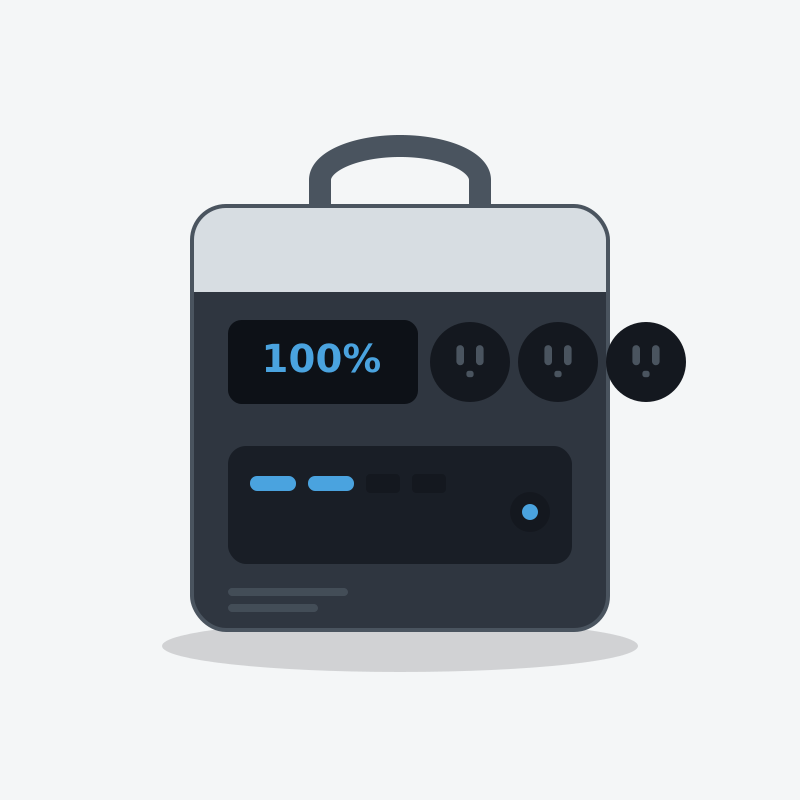
EcoFlow DELTA 2
The one most people should buy. It refills fast enough that a short sunny break between storm bands actually matters.
- Capacity
- 1,024 Wh
- AC output
- 1,800W
- Weight
- 27 lb
What's good
- Wall recharge is genuinely quick — useful when power flickers back for an hour
- LiFePO4 cells, so it tolerates being left plugged in for years
- Six AC outlets means no daisy-chained power strips on the kitchen counter
- Add an extra battery later instead of buying a whole second unit
What's annoying
- The fan is audible in a quiet bedroom at night
- 1800W ceiling rules out most space heaters and hair dryers
- Expansion batteries cost nearly as much as the unit itself
Who this is wrong for
Anyone who needs to power a well pump, an electric water heater or a central AC. It will not start them, and it is not a whole-home unit.
Anker
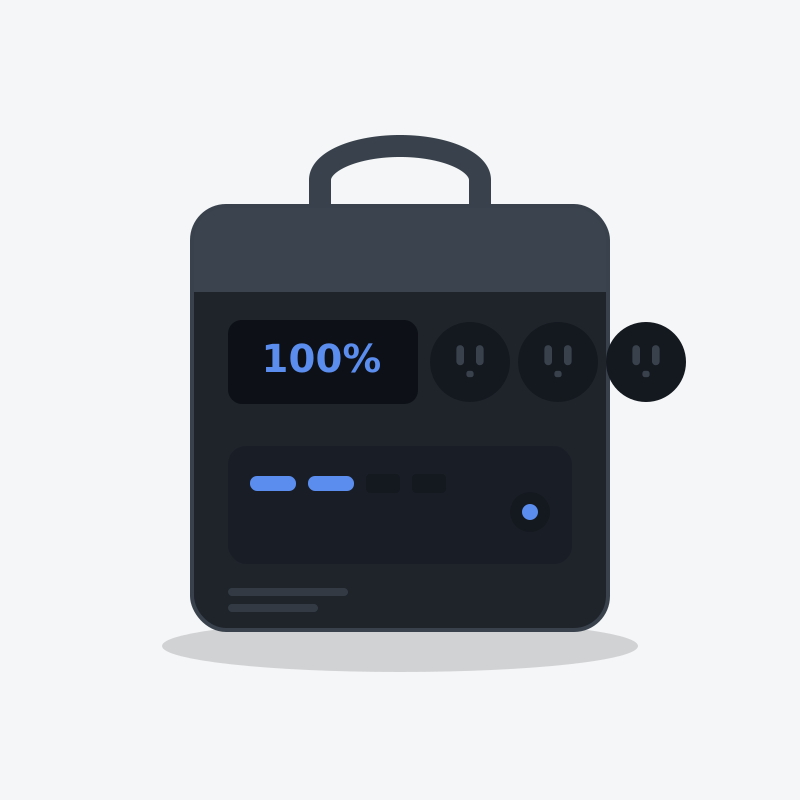
Anker SOLIX C1000
The best-built 1kWh unit on the market, and the one that fits an RV bay without a shoehorn.
- Capacity
- 1,056 Wh
- AC output
- 1,800W
- Weight
- 28.44 lb
What's good
- The most compact 1kWh box here — it genuinely fits where others don't
- Anker's warranty service is the least painful in this category
- Full wall recharge in under an hour
- Quiet fan behaviour under moderate load
What's annoying
- Expansion battery caps you at about 2,112Wh and is expensive
- Fewer solar input options than EcoFlow
- Anker discounts less often, so you rarely catch a deep sale
Who this is wrong for
People who need to run more than 1800W. And it won't grow with you — expansion is limited.
Anker
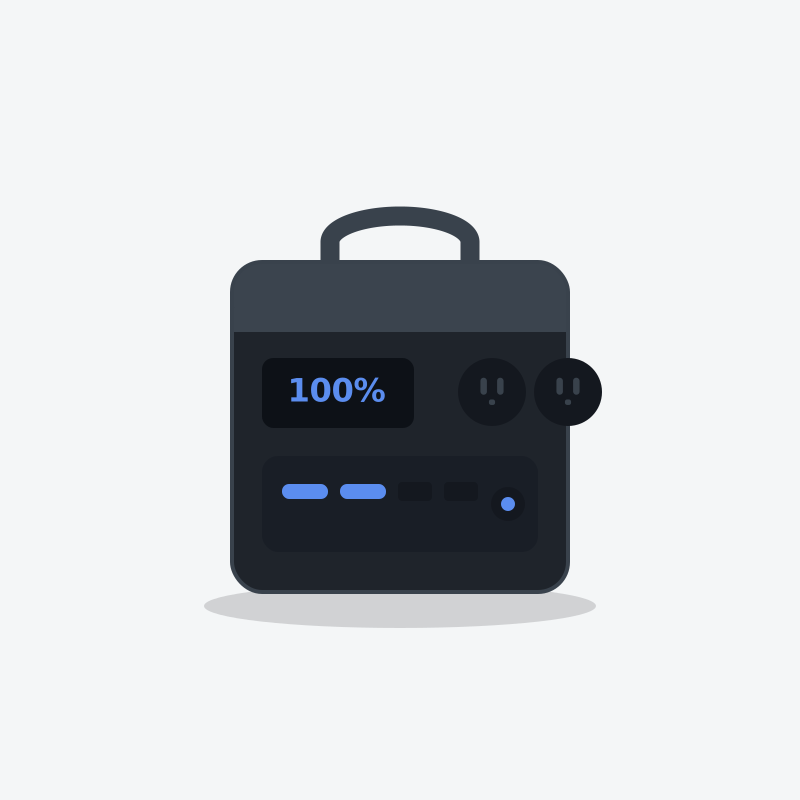
Anker SOLIX C300
The one you actually carry. Small, quiet, and built better than anything else this size.
- Capacity
- 288 Wh
- AC output
- 300W
- Weight
- 9.1 lb
What's good
- Built-in light that is actually useful, not a gimmick
- Three USB-C ports, one of them high wattage for laptops
- Charges from empty in about an hour
What's annoying
- 300W ceiling — this powers electronics, not appliances
- Small capacity disappears fast if you plug in anything with a motor
- Priced close to units with three times the capacity on sale
Who this is wrong for
Home backup. If your outage plan is a 288Wh box, you don't have an outage plan.
Questions people actually ask
Can a power station replace a UPS for a computer?
What switchover time does a desktop computer need?
Do laptops need a UPS at all?
Is a power station better than a UPS?
Can I plug a UPS into a power station?
Who wrote this
Dhruvil Domadiya
Founder and editor, GreenCommuteGuide
I started GreenCommuteGuide because backup power is sold with numbers that sound impressive and mean very little — watt-hours on the box, surge ratings that turn out to be a boost mode, charge times quoted to 80% and printed as though they were full. I set the rules this site runs on: every spec is checked against the manufacturer's own documentation, anything we have not verified is marked as unverified on the page rather than quietly published, prices are never shown because they go stale, and every review names at least one product not to buy and who it is wrong for. Where I have not tested something myself, the page says so.
- · Sets and enforces the editorial standards on this site — unverified claims are flagged on the page, and the build fails if they are not
- · Specs are taken from manufacturers' own published documentation, never from retailer listings, and the source and date are recorded for each product
- · No payment is accepted for a rating, a ranking, or a positive verdict
Read this next
- Run This ApplianceBattery Backup for a WiFi Router and Modem: How Long Do You Stay Online?A router and modem draw about 20 watts, so even a small battery runs your wifi for a day or more. The catch is whether your ISP still has power at their end — and how to test that before you spend.
- Run This ApplianceModem Battery Packs: Are the Dedicated Ones Worth It?The purpose-built ones look like the obvious answer and usually aren't. What they hold, what a small power station holds for the same money, and when the dedicated box actually wins.
- Run This ApplianceWill My Internet Work During a Power Outage?Powering your router is the easy half. Whether your ISP's equipment is still alive is the half nobody mentions.
- Battery & Tech BasicsCan You Use a Power Station in an Apartment?Yes — and it is one of the few backup options renters actually have. What size makes sense without a balcony, and the three things that change the answer.