Home Outage & Backup
Run a Blackout Drill: Test Your Backup Before You Need It
Two hours on a Saturday tells you more than any review. Kill the main breaker, start the clock, and find out what you actually own.
We earn a commission on purchases made through links on this page, at no extra cost to you. How this works.

What's in this article
Before you flip the breaker
Five minutes of prep, and one important warning.
Do not do this if anyone in the house depends on medical equipment, unless you have specifically planned how that equipment stays running for the whole drill. The point is to find failures, not to create one.
Also: check whether anything in your house needs a reset after a power cut — some alarm systems, some HVAC controls, some older appliances. Know before, not after.
Then:
- Charge the power station to 100%
- Tell everyone in the house what is happening and when
- Note the time
- Put your phone on the counter and leave it there. You are not allowed to look things up
The drill, in order
1. Kill the main breaker. Not individual circuits — the main. You want the real experience, including the things you forgot are electric.
2. Start a written list. Paper. Every time you reach for something that does not work, write it down. This list is the entire output of the exercise.
3. Do a normal morning. Make coffee. Use the bathroom. Feed people. Let the failures come to you rather than hunting for them.
4. Get the fridge running on the battery. Time it. How long from "power is out" to "fridge is running"? If it took twelve minutes and involved moving furniture, that is a finding.
5. Watch the load readout when the compressor starts. That spike is your surge number, measured rather than guessed. Write it on tape and stick it on the unit.
6. Try to get online. Router and modem on the battery. Does the connection actually come back, or does your ISP's equipment need power too? See Will My Internet Work During a Power Outage?
7. Open the garage door by hand. Find the red cord. Confirm it works and the door is balanced. Details here.
8. Find out if your gas stove lights. Many US gas ranges light with a match when the igniter has no power. This is worth knowing.
9. Sit in one room for the last thirty minutes with whatever lighting you actually have. This is where people discover their emergency lighting is one candle and a phone at 40%.
10. Restore power. Write the list up properly.
What people always find
From doing this ourselves and hearing about it from readers, the same items come up over and over:
- The extension cord is 15 feet and the fridge is 30 feet away
- The flashlight batteries are dead, or the flashlight is in a drawer nobody can find in the dark
- The power station was at 40% because nobody topped it up since spring
- Water: on a well, there is none at all, and nobody had thought about that. See Can You Run a Well Pump on a Solar Generator?
- The garage door release cord is painted over, seized, or missing
- Nobody knows where the utility's outage reporting number is
- The fridge trips the unit because of a thin cord, not a small battery. See What Extension Cord Do You Need?
- Cash: everything is cards, and card readers need power too
The two-hour version vs the overnight version
Two hours finds the equipment problems. Do this one first, and do it twice a year.
Overnight finds the human problems — sleeping in a hot or cold house, kids, pets, boredom, and how much battery you really consume when nobody is being careful. Do it once, in the season you actually worry about. If you fear winter outages, drill in January, not in June.
The overnight drill is where people discover their 1,000Wh unit was sized for a spreadsheet rather than a household.
Turn the list into three actions
Do not try to fix everything. Take the list and sort it:
Free fixes. Move the cord. Change the flashlight batteries. Write the utility number on the fridge. Clear the path to the side door. Do these the same day, or they never happen.
Cheap fixes. A 12-gauge extension cord. A headlamp per person. A fridge thermometer. Some cash in an envelope. Usually under $100 total and it addresses most of the list.
The real gap. Usually one thing: heat, water, or medical. That is the item worth spending real money on, and now you know which one it is — which means you are buying for a measured problem instead of a marketing category.
Put it on the calendar
Twice a year, on days you will remember. Daylight saving changes work well, and they already carry the smoke-alarm-battery habit.
The drill is also the moment to charge the unit to 100% for the season ahead, check the firmware, and confirm nothing has drifted. See How to Store a Power Station Over Winter.
The short version
- Kill the main breaker for two hours on a Saturday and write down every failure.
- Time how long it takes to get the fridge running on the battery.
- Measure the compressor surge on the unit's display instead of estimating it.
- Test the garage door release, the gas stove, the internet and the water.
- Sort the findings into free, cheap and real. Buy only for the real one.
The picks, in detail
Specs come from data/products.json, so they're the same everywhere on this site.
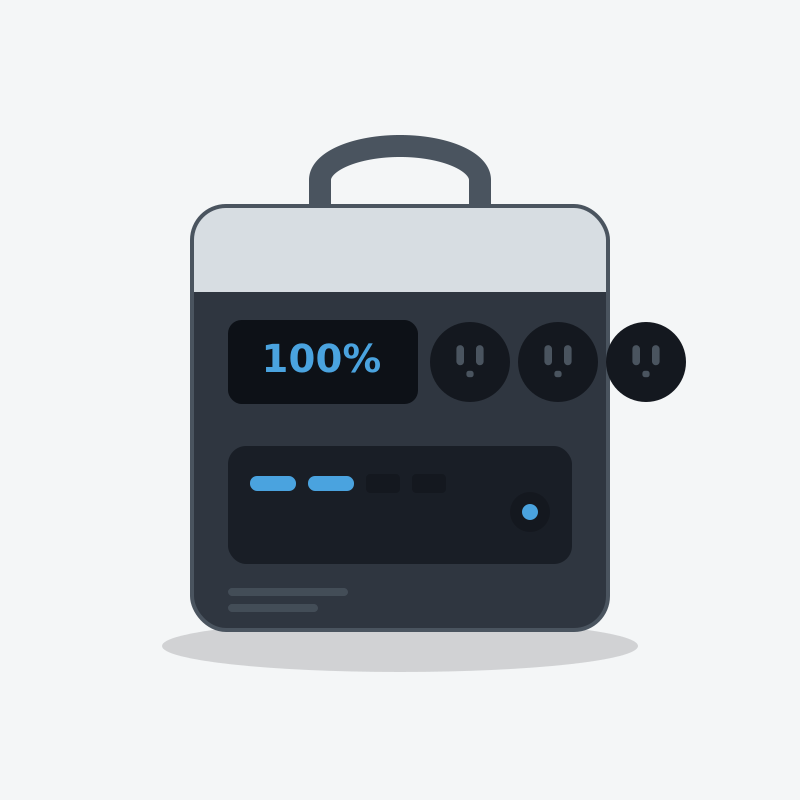
EcoFlow
EcoFlow DELTA 2
The one most people should buy. It refills fast enough that a short sunny break between storm bands actually matters.
- Capacity
- 1,024 Wh
- AC output
- 1,800W
- Weight
- 27 lb
What's good
- Wall recharge is genuinely quick — useful when power flickers back for an hour
- LiFePO4 cells, so it tolerates being left plugged in for years
- Six AC outlets means no daisy-chained power strips on the kitchen counter
- Add an extra battery later instead of buying a whole second unit
What's annoying
- The fan is audible in a quiet bedroom at night
- 1800W ceiling rules out most space heaters and hair dryers
- Expansion batteries cost nearly as much as the unit itself
Who this is wrong for
Anyone who needs to power a well pump, an electric water heater or a central AC. It will not start them, and it is not a whole-home unit.
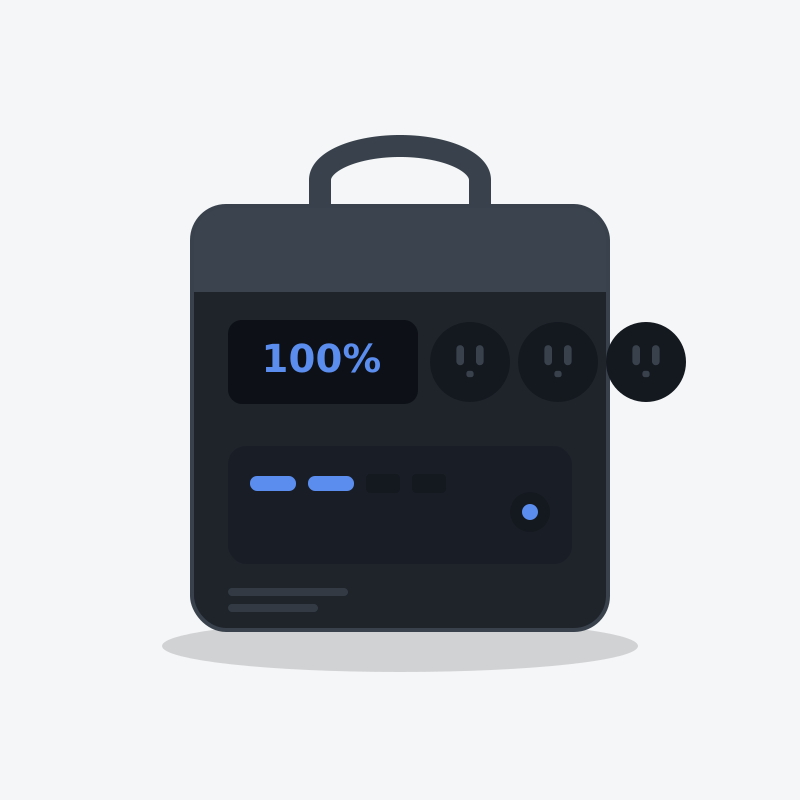
Anker
Anker SOLIX C1000
The best-built 1kWh unit on the market, and the one that fits an RV bay without a shoehorn.
- Capacity
- 1,056 Wh
- AC output
- 1,800W
- Weight
- 28.44 lb
What's good
- The most compact 1kWh box here — it genuinely fits where others don't
- Anker's warranty service is the least painful in this category
- Full wall recharge in under an hour
- Quiet fan behaviour under moderate load
What's annoying
- Expansion battery caps you at about 2,112Wh and is expensive
- Fewer solar input options than EcoFlow
- Anker discounts less often, so you rarely catch a deep sale
Who this is wrong for
People who need to run more than 1800W. And it won't grow with you — expansion is limited.
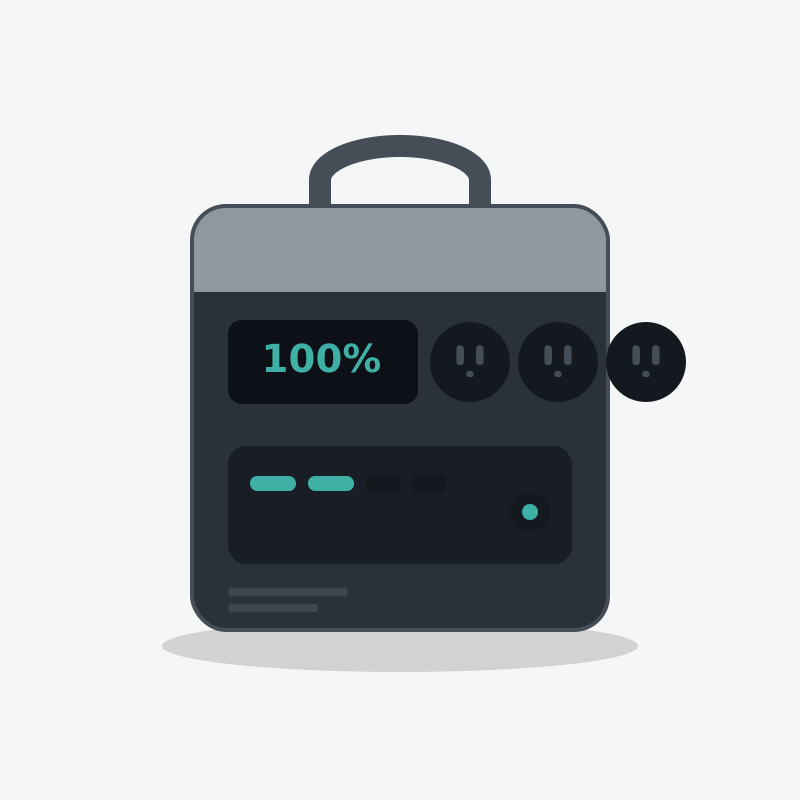
Bluetti
Bluetti AC180
More watts per dollar than the famous brands, if you don't mind a slightly clunkier app.
- Capacity
- 1,152 Wh
- AC output
- 1,800W
- Weight
- 35.3 lb
What's good
- 2,700W of surge headroom, which is what actually starts a fridge compressor
- More capacity than the Jackery 1000 for often less money
- Takes expansion batteries, so it can grow to a serious bank later
- Quiet charging mode keeps it civilised in a bedroom
What's annoying
- 35 lb is heavy for 1.1kWh
- The app has historically been the weakest of the four big brands
- Full wall recharge is slower than the headline number suggests - the fast figure everyone quotes is to 80%, not full
- Only one USB-C port
Who this is wrong for
Anyone who wants hand-holding. Bluetti's documentation assumes you'll figure it out.
Questions people actually ask
What is a blackout drill?
How do I test my backup power?
What do people usually discover in a blackout drill?
How often should I run one?
Who wrote this
Dhruvil Domadiya
Founder and editor, GreenCommuteGuide
I started GreenCommuteGuide because backup power is sold with numbers that sound impressive and mean very little — watt-hours on the box, surge ratings that turn out to be a boost mode, charge times quoted to 80% and printed as though they were full. I set the rules this site runs on: every spec is checked against the manufacturer's own documentation, anything we have not verified is marked as unverified on the page rather than quietly published, prices are never shown because they go stale, and every review names at least one product not to buy and who it is wrong for. Where I have not tested something myself, the page says so.
- · Sets and enforces the editorial standards on this site — unverified claims are flagged on the page, and the build fails if they are not
- · Specs are taken from manufacturers' own published documentation, never from retailer listings, and the source and date are recorded for each product
- · No payment is accepted for a rating, a ranking, or a positive verdict
Read this next
- Home Outage & BackupHurricane Prep Checklist: The Power Backup EditionEverything to do before the storm, in the order that matters. Written for the week you actually have, not the year you should have had.
- Sizing & CalculatorsWhat Size Solar Generator Do I Need? (Free Calculator)Skip the guesswork. Tick the things you need to keep running, get a real watt-hour number, and see which units can actually do it.
- Sizing & CalculatorsHow Many Watts to Run a House During an Outage?The honest number is far smaller than the internet says — because you are not running a house, you are running four things in it.
- Home Outage & BackupPayback Math: How Many Outages Before Backup Power Pays For Itself?Four numbers, five minutes, and an answer specific to your house. For a lot of people the honest result is 'buy the ice instead' — and we would rather tell you that.